
Adobe Dreamweaver
Adobe Dreamweaver is Adobe's web development application for Windows and macOS that combines a code editor with visual design and live preview.

XAMPP is a free, open-source web server solution stack from Apache Friends for running and testing websites on your own computer.
Average 0.0 · ratings: 0
Thank you! Your rating is saved; you can change it. Could not save the rating. Please try again later. Too many ratings from your network today. Please try again tomorrow. The average appears after 5 ratings.
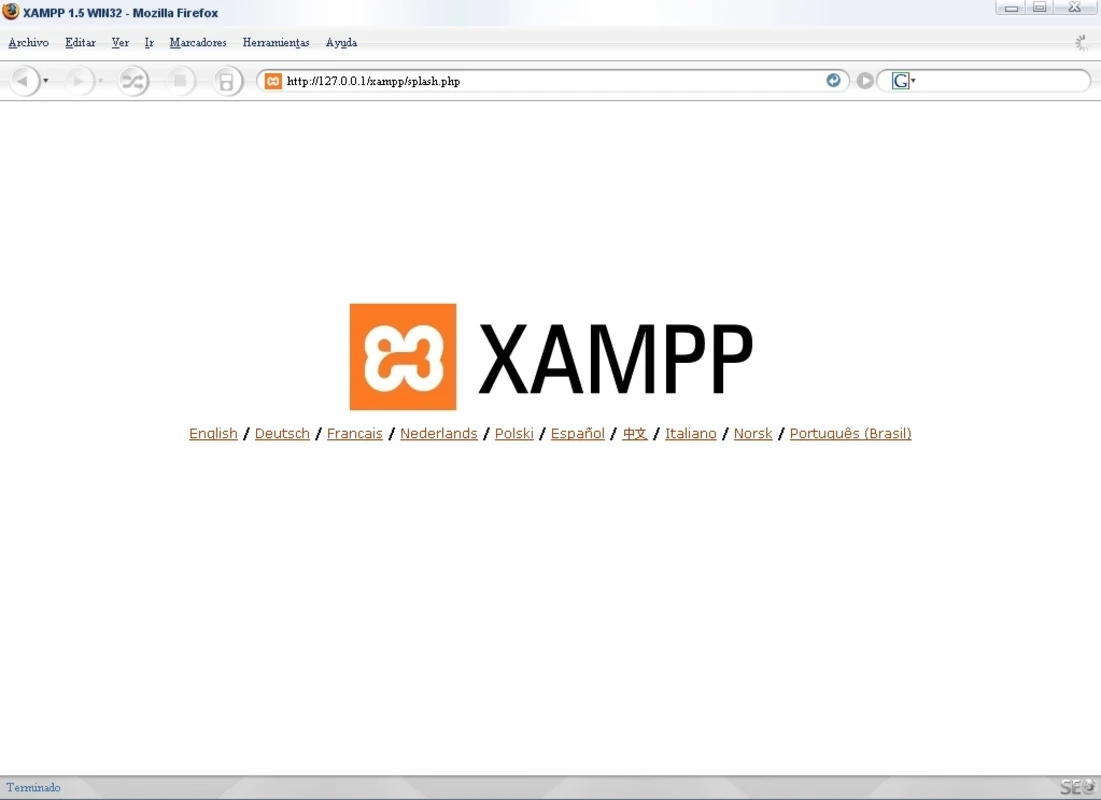
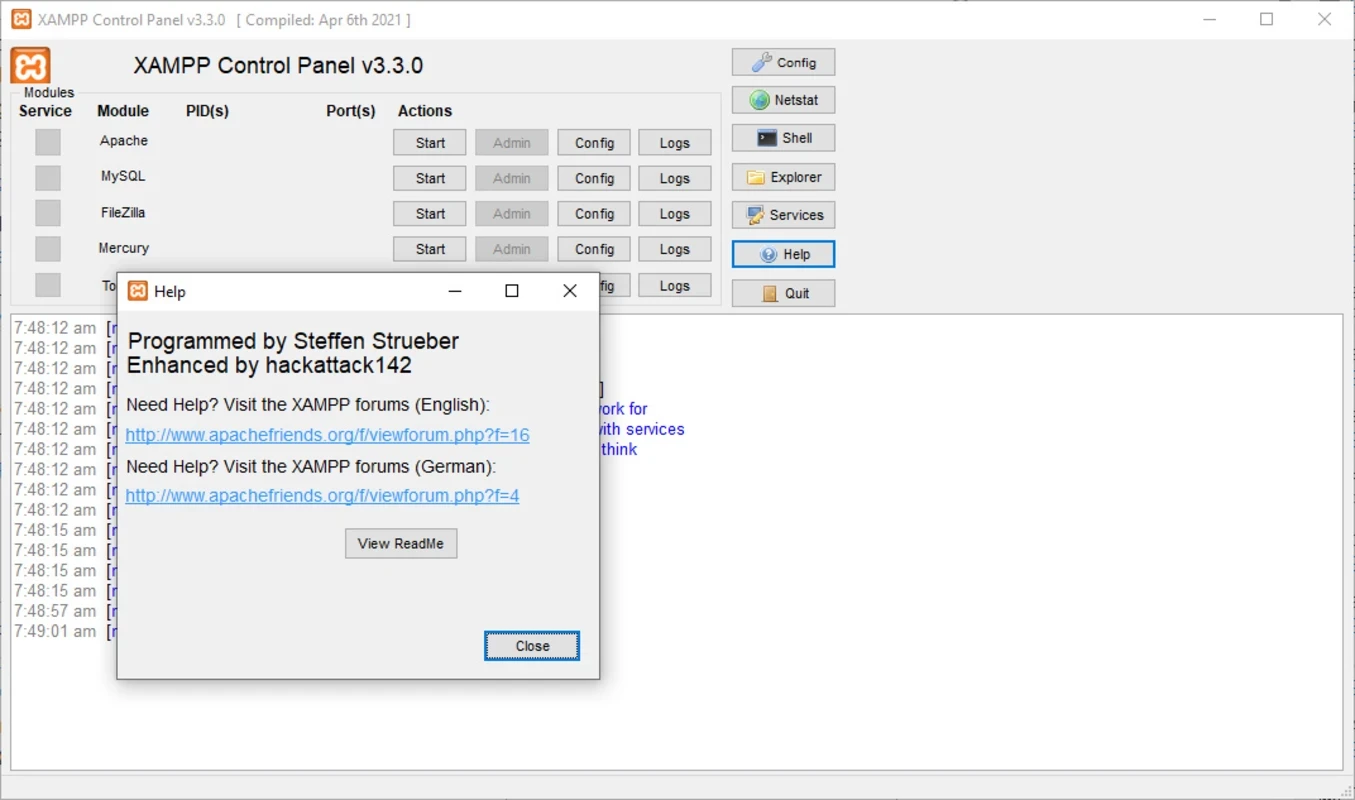
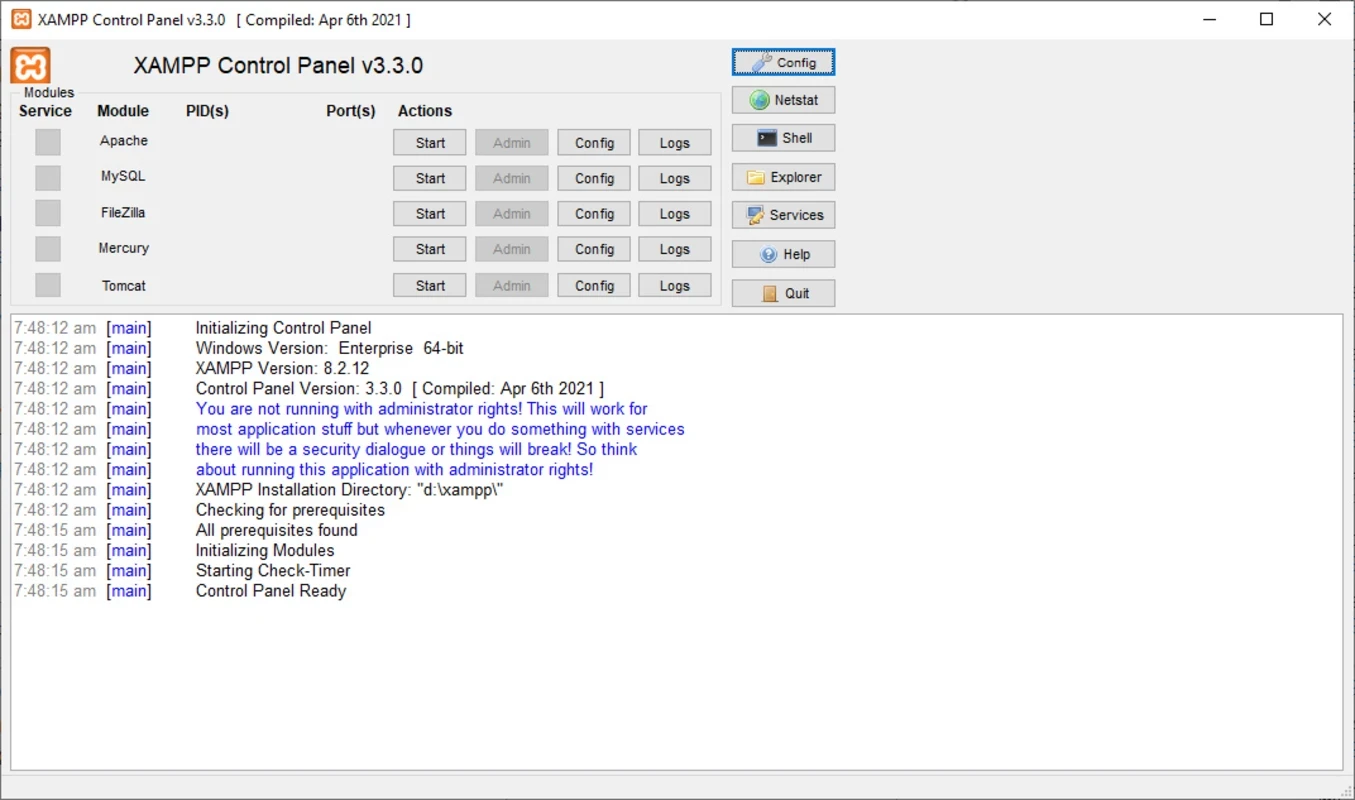
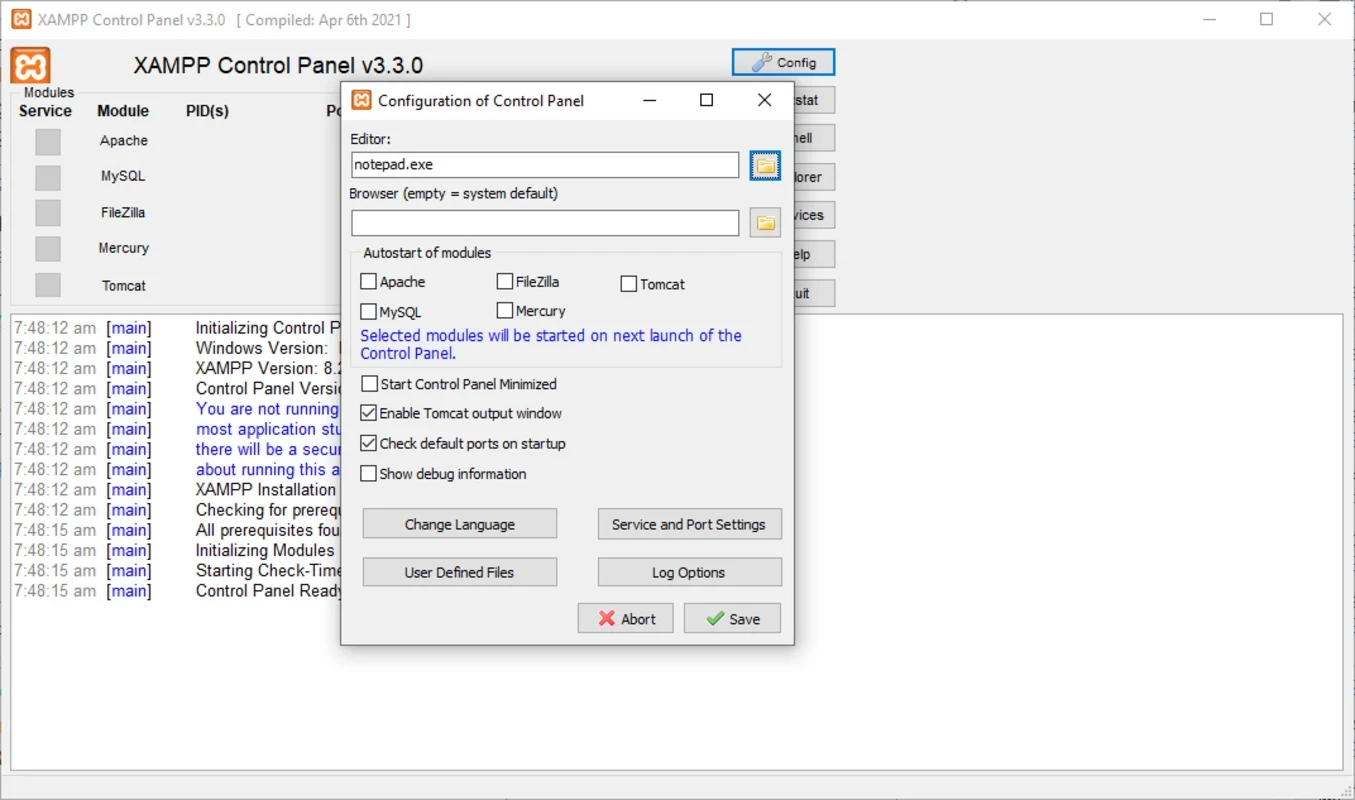
XAMPP 8.2.12 is a free and open-source web server solution stack for Windows from Apache Friends. It installs everything needed to run a website on your own computer in one package, so you can build and test sites locally before publishing them; you can download XAMPP from the official Apache Friends site.
| Item | Details |
|---|---|
| Version | 8.2.12 |
| Developer | Apache Friends |
| Systems | Windows, Linux, macOS |
| Licence | GNU General Public License |
| Type | web server solution stack |
| First released | September 2002 |
| Size | about 149 MB |
A dynamic website normally runs on a server with a web server, a database and a scripting language working together. Setting up each piece separately takes time and knowledge. XAMPP bundles them into a single installer with a control panel, so a student, a web designer or a developer can have a working local server within minutes and start writing code. It is handy for learning web development and for trying out content management systems on a laptop without renting hosting. Several release lines are offered side by side, so pick the one that matches what your project or hosting uses. It is important to remember what XAMPP is not: it is designed for development on your own machine, not for running a public production website.
Release announcements are published on the Apache Friends blog.
The default configuration favours convenience over security: it is meant for a computer that nobody else can reach. Do not expose a XAMPP installation to the internet, set passwords for the database administrator account if other people share your network, and keep the stack updated. Download it only from apachefriends.org.
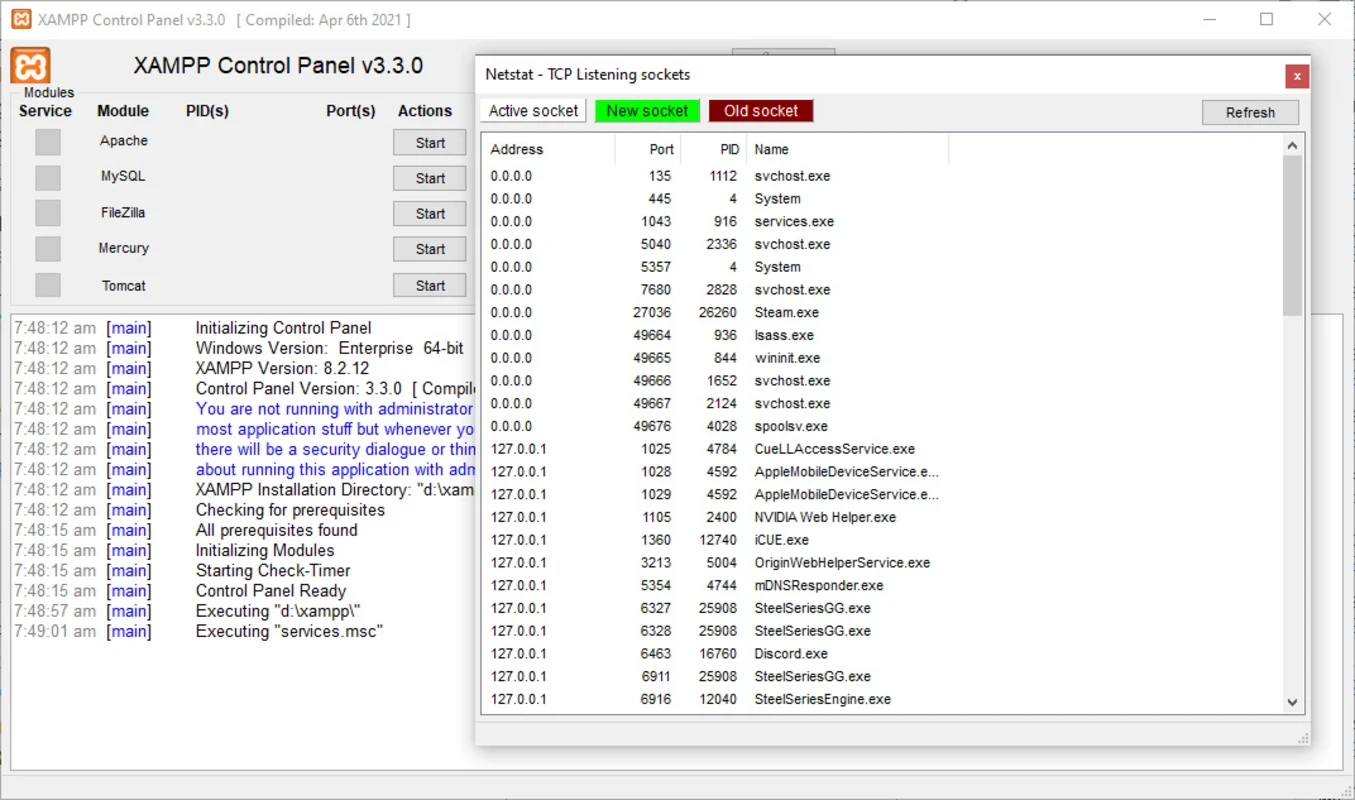
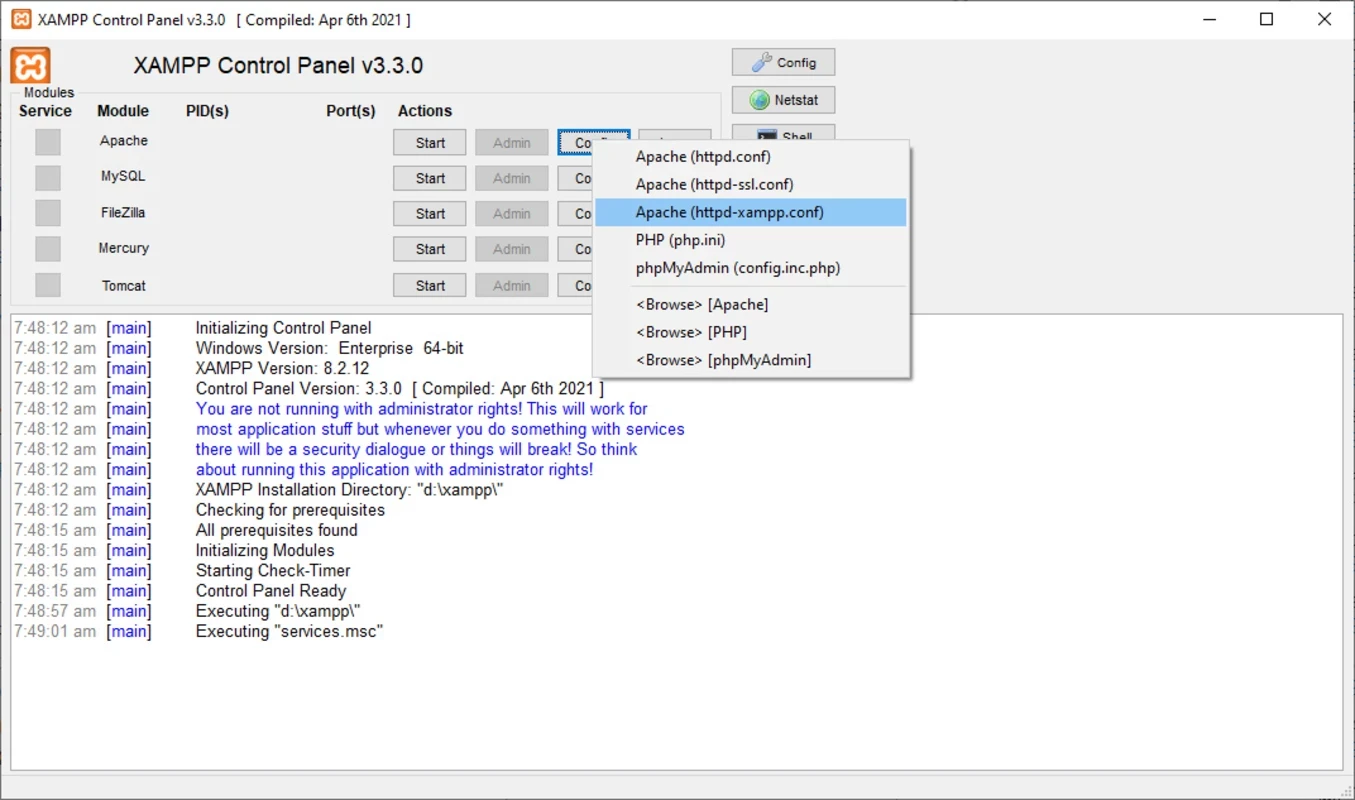
If the web server will not start, another program is often using the same network port; other local servers are typical culprits. Change the port in the configuration or close the other program. Antivirus software sometimes blocks the services on first start, so allow them if you trust the source.
Our developer tool listings include Notepad++ and Adobe Dreamweaver for editing web code, and Android Studio and Arduino IDE for other kinds of development.
Adobe Dreamweaver is Adobe's web development application for Windows and macOS that combines a code editor with visual design and live preview.
Notepad++ is a free, open-source text and source code editor for Windows by Don Ho, based on the Scintilla editing component.
Arduino IDE is the free, open-source development environment for programming Arduino boards. Version 2.3.10 is the current Windows release.

Android Studio is Google's free integrated development environment for building Android apps. This page covers version 2026.1.4.8 Quail 4 Patch 1 for Windows.
PSeInt is free, open-source educational software by Pablo Novara that helps beginners learn programming logic by writing and running pseudocode.